Monthly
$6.99/mo
30 days of access, pay as you go
- Every sports hub and feature
- Up to 5 devices
- Windows and Fire TV
- Stop any time
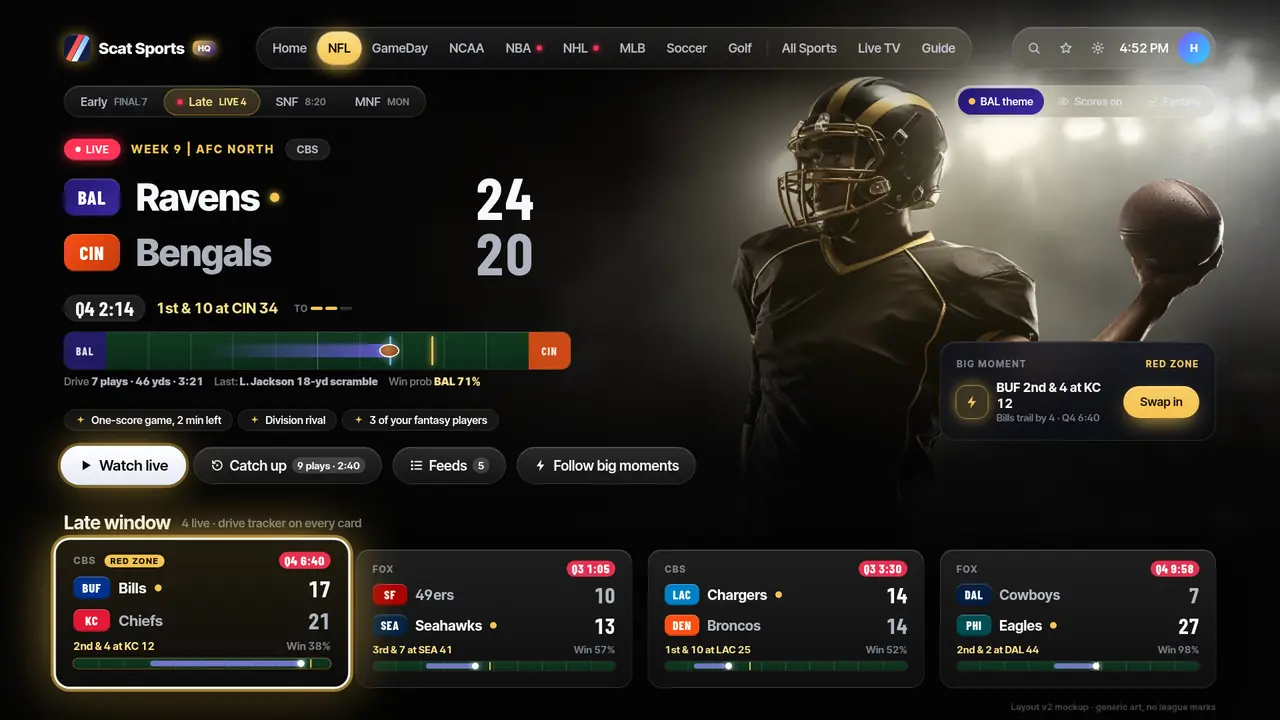
Sports player for Windows and Fire TV
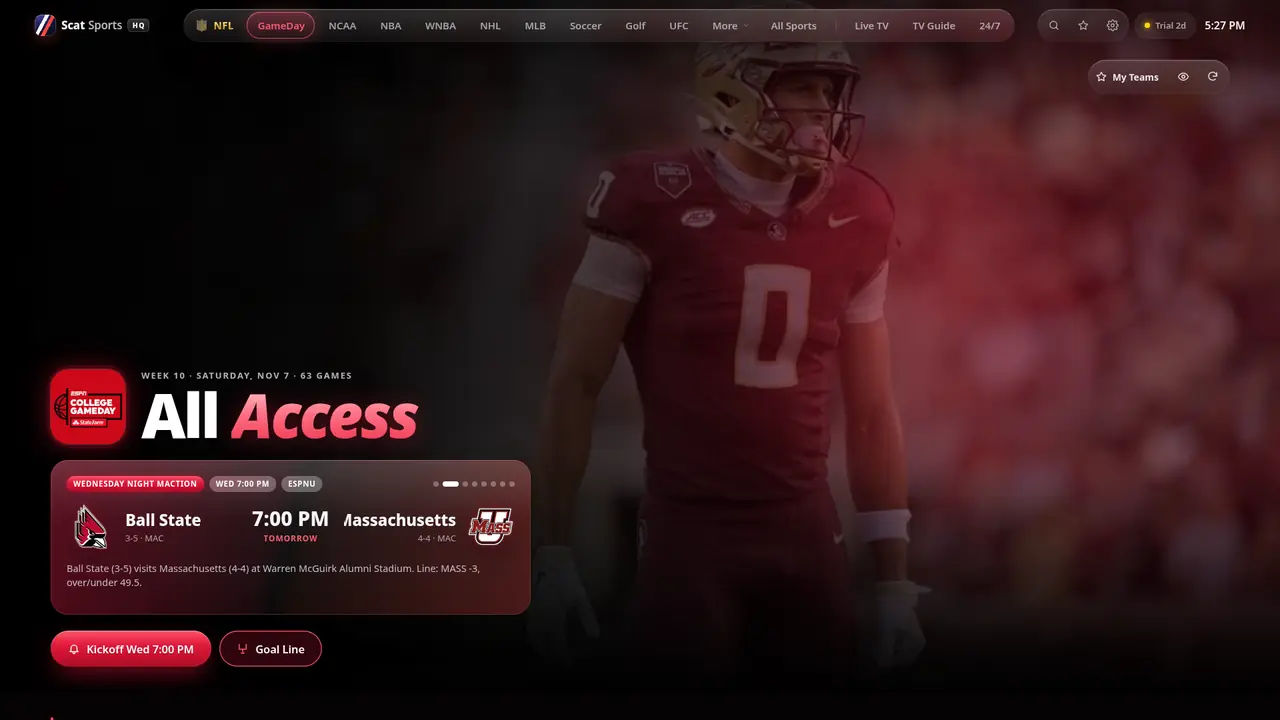
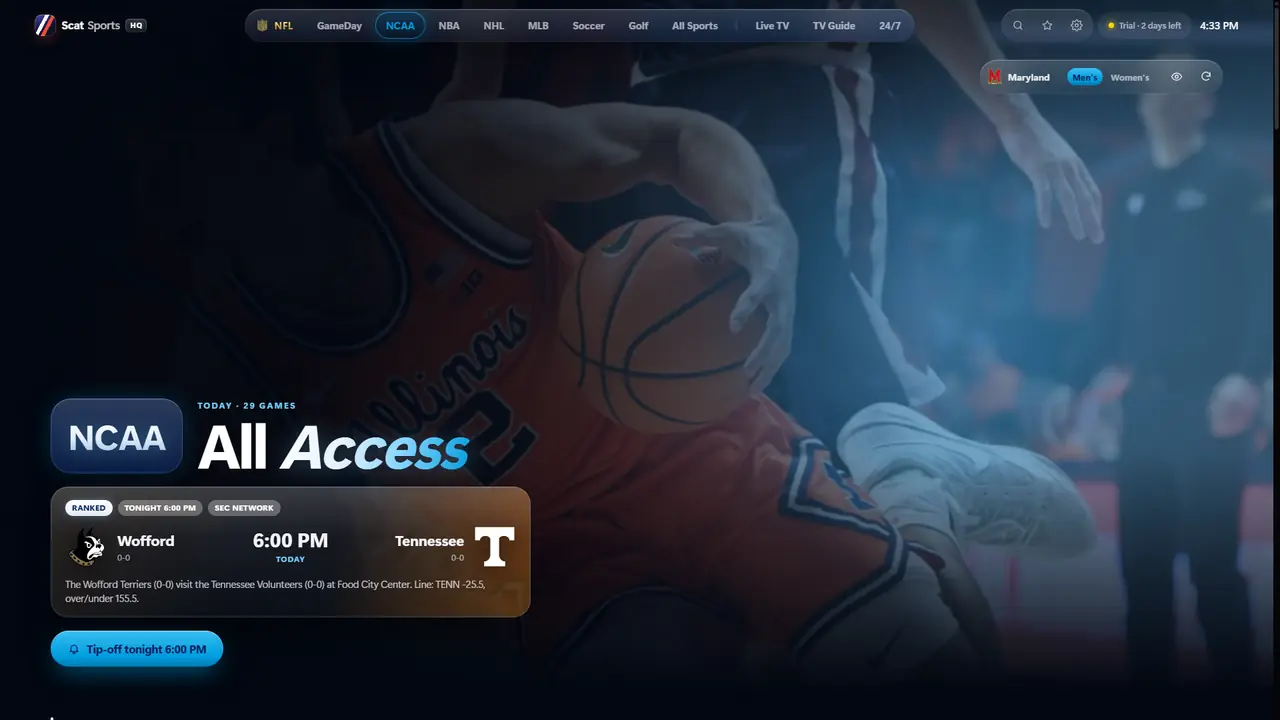
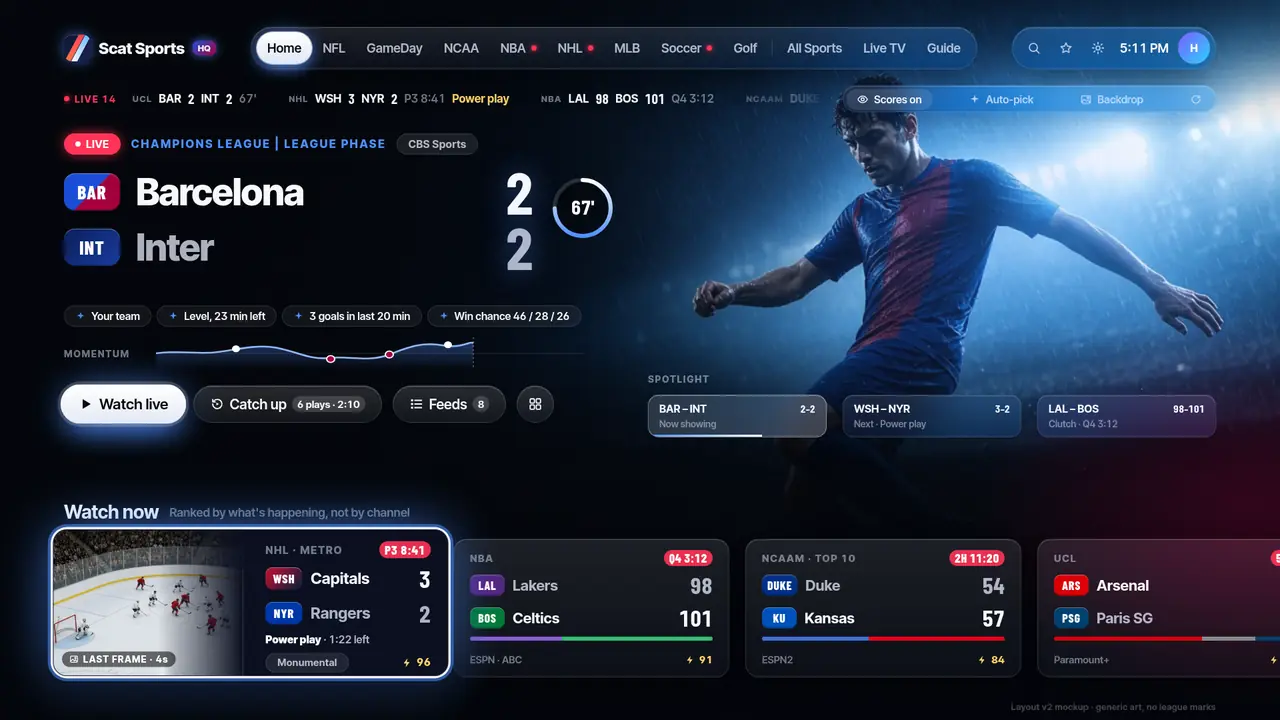
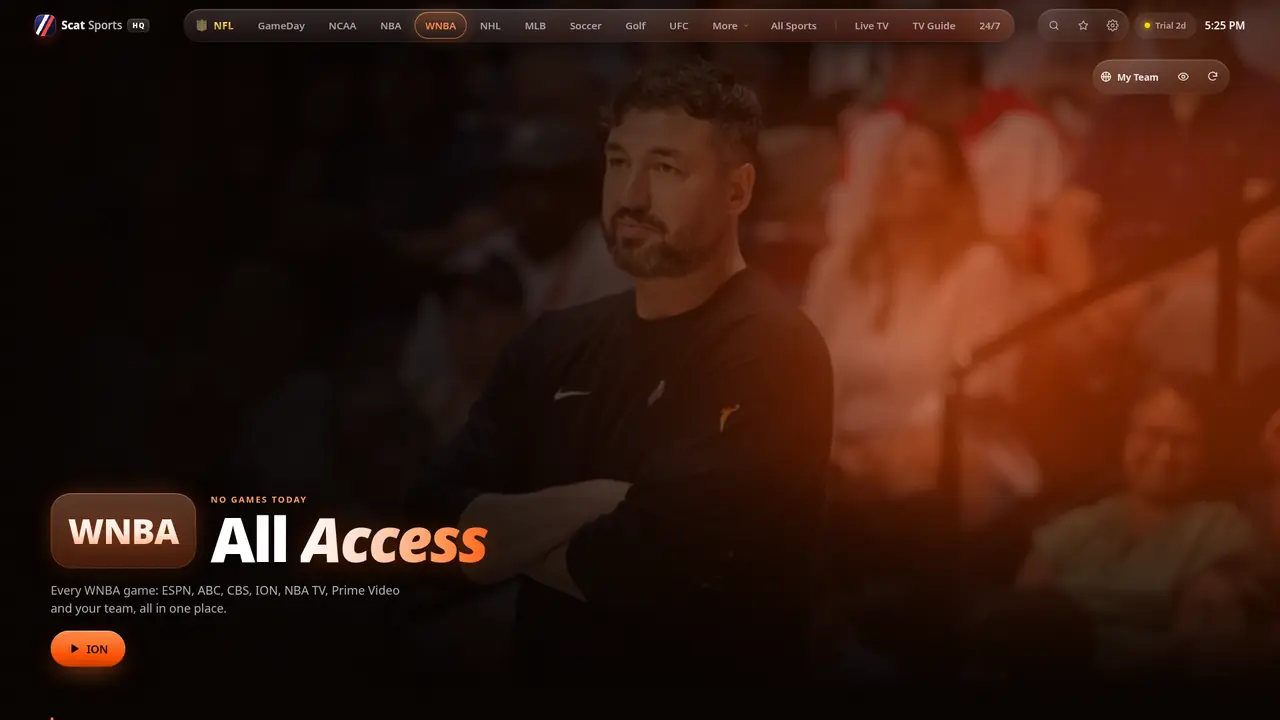
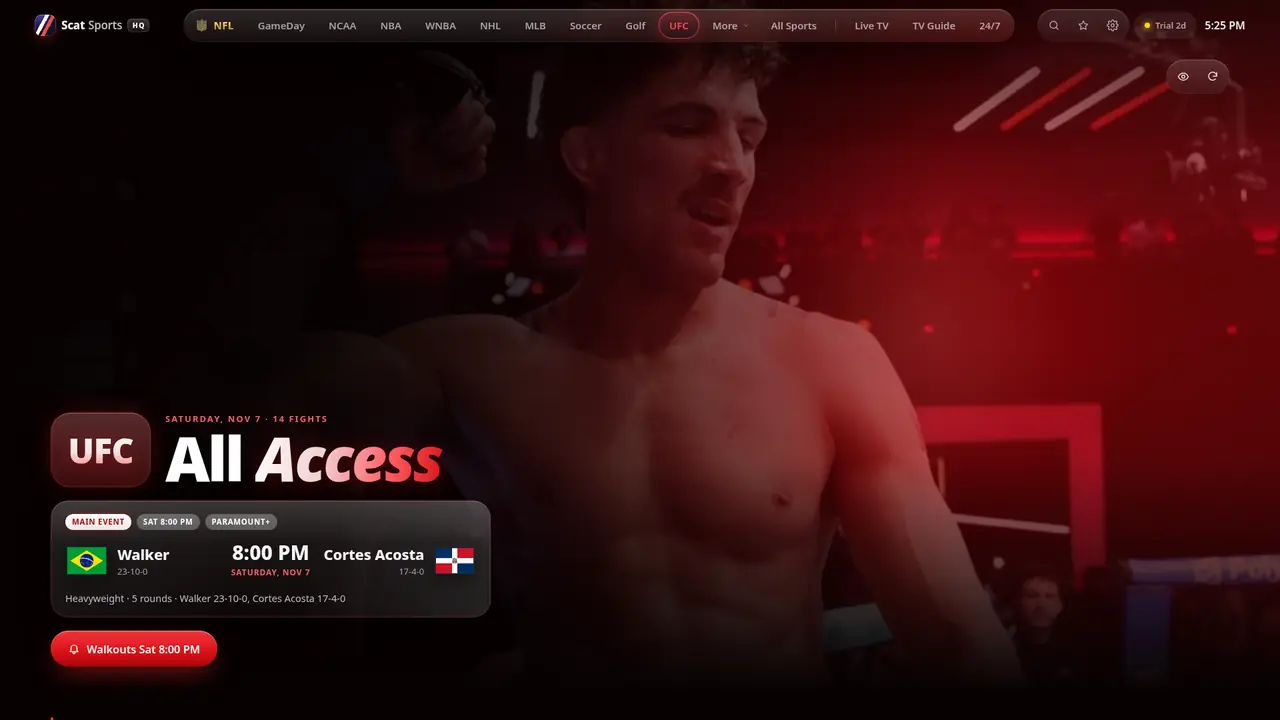
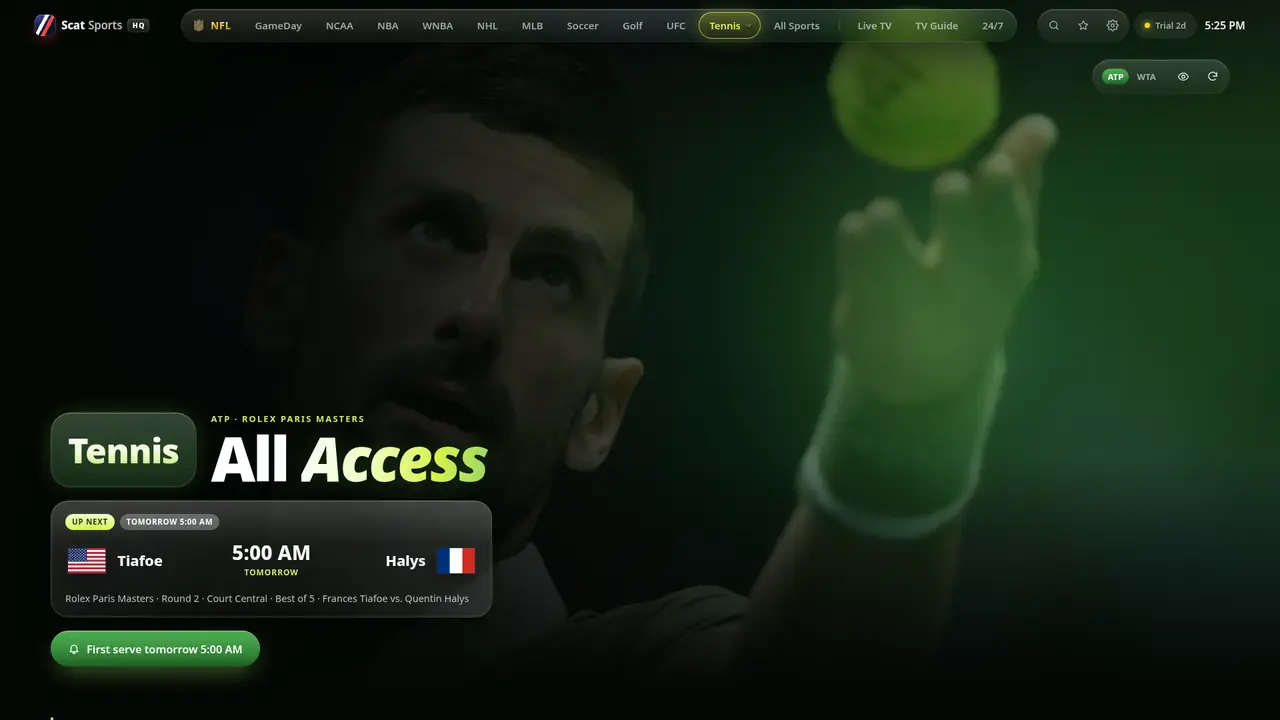
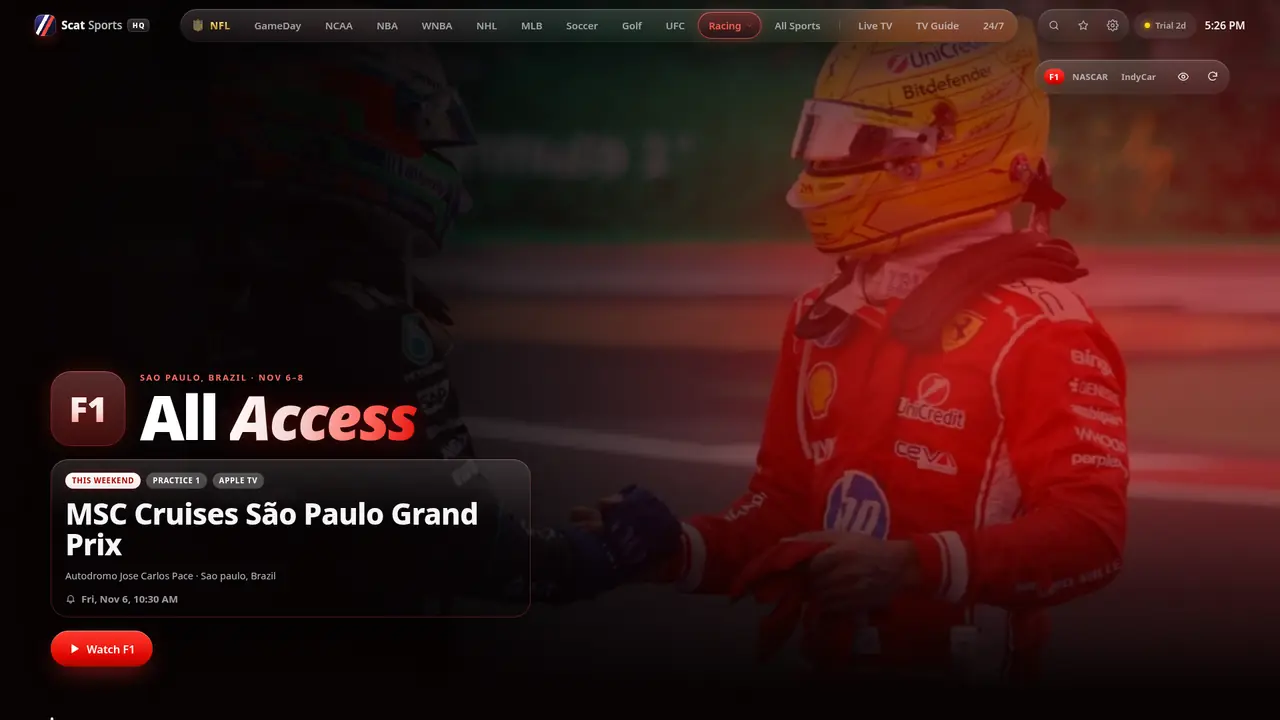
ScatSports HQ turns the provider you already have into a live sports hub. Pick the game, get the best feed, and keep watching when a feed drops.
Player only. No channels or content included. Works with your own Xtream Codes or M3U provider.
01/ 13NFL All Access
Pricing
Every plan unlocks every feature on up to 5 devices. Pay once with Venmo or crypto. Nothing renews on its own.
Prices in USD. Your license key is sent through Telegram support after payment is confirmed. A software license only: no channels, streams or content. See the Refund Policy.
Free trial
No password, no card, no payment. Leave a name and a way to reach you, and we send your trial key through Telegram support.
Trial request is saved. Next steps:
Fire TV install guide
Grab your remote and click through. Use the arrow keys or the buttons to move between steps.
From the Fire TV home screen, open Find, search for Downloader, and select Get or Download. It is free.
Go to the gear icon at the right end of the home screen. Choose My Fire TV, then About.
Highlight the first line (your device name) and press the center button 7 times. A message confirms Developer Options are unlocked.
Press Back, open Developer Options, then Install Unknown Apps, and turn Downloader on. On some older Fire OS versions this is a single switch named Apps from Unknown Sources.
Open Downloader, select the URL box, type the code Code coming soon, and select Go.
When the download finishes, select Install, then Done. Downloader can delete the installer file afterwards to free up space.
Press Home, open Your Apps, and select ScatSports HQ. Hold Menu on its tile to move it to the front row.
Enter the Xtream Codes or M3U details from the provider you already use, plus your license or trial key. That is it.
Heads up: Fire TV devices running Vega OS (Fire TV Stick 4K Select and newer Vega models) cannot sideload apps, so this guide does not work on them. It works on Fire OS devices.
FAQ
No. It is a player only. It includes no channels, streams, playlists or subscriptions. You sign in with your own lawfully obtained provider.
Any provider that gives you Xtream Codes login details or an M3U/M3U8 playlist URL that you have the right to use.
Fill in the trial form above. You get a trial ID on screen, send it to our Telegram support, and receive a key that unlocks everything for 24 hours. No payment details needed.
Choose a plan, pick Venmo or crypto, and you get an order ID. Send the exact amount with that order ID, then message the order ID to our Telegram support to receive your license key.
No. Each payment covers its term, and you renew only if you want to.
See the Refund Policy. If the app does not work on your device, contact support and we will fix it or refund you within the policy window.
More answers on the full FAQ and the setup guide.
Checkout
Last step: send your order ID to our Telegram support to get your license key.